Install Python
-
-
Download the latest installer from Pythons website https://www.python.org/downloads/
-
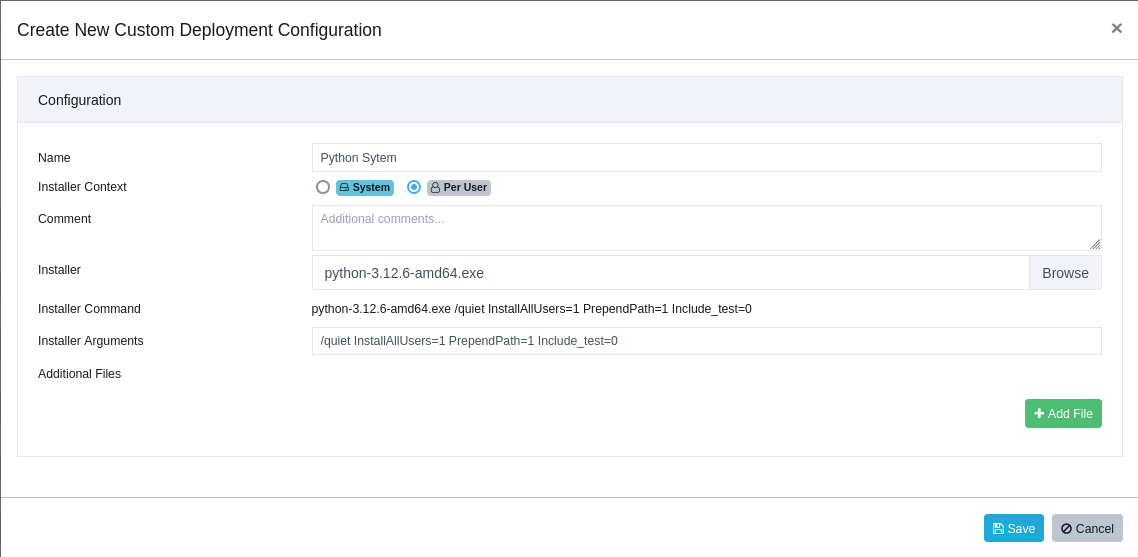
Create a new Custom Software with the latest Python installer.
-
Set the Installer Arguments to /quiet InstallAllUsers=1 PrependPath=1 Include_test=0 if you want it installed System-wide or /quiet InstallAllUsers=0 PrependPath=1 Include_test=0 if you want it installed for the Users only.
(Note: If you wish to upgrade Python you will need to choose the installer arguments according to the already installed version)
- Make sure the installer context is set to Per User as the install won't work in SYSTEM context.
(even if you are installing it system wide!)
-
Select the targets for Python to be installed on.
-
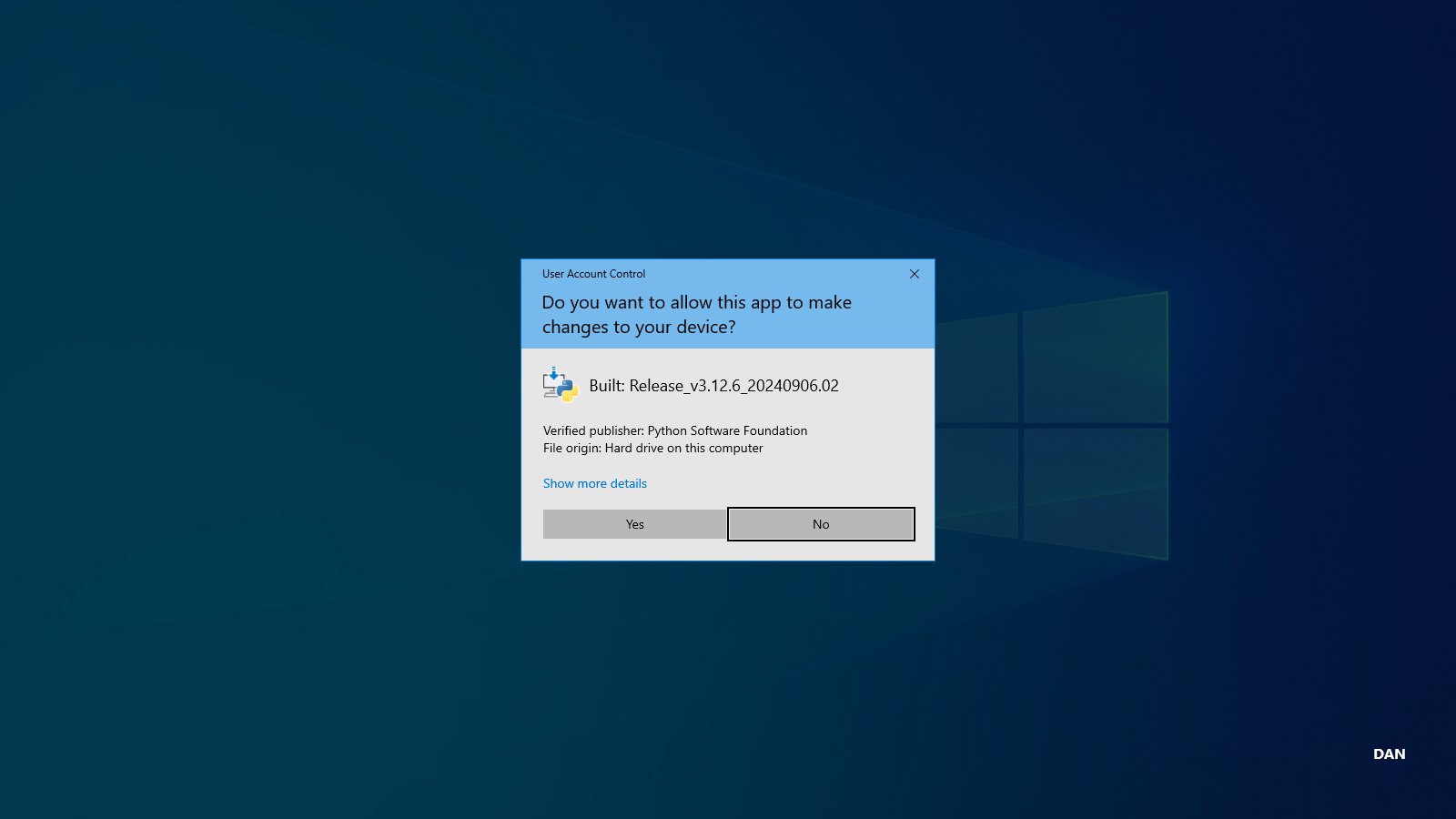
When Python is being installed the UAC privilege prompt will appear where the users will have to allow the app to make changes to the device. Users without local Admin privileges can't accept this prompt.
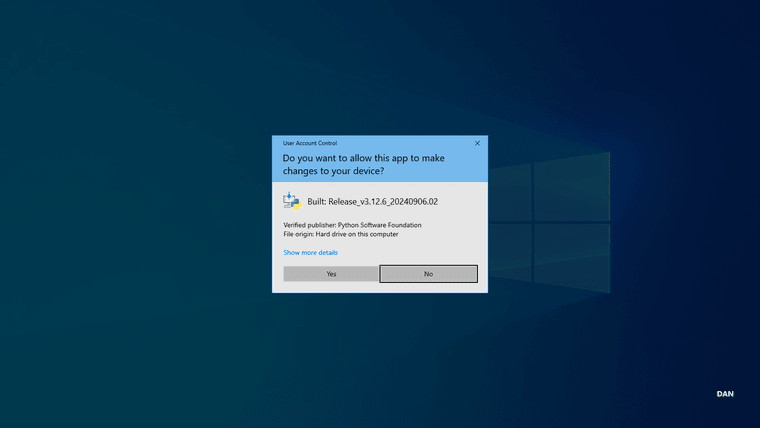
- When the install is done, the host needs to restart for the effects of the installer to be fully implemented.
-
-
T Tom moved this topic from [Custom Software guide drafts] on
Hello! It looks like you're interested in this conversation, but you don't have an account yet.
Getting fed up of having to scroll through the same posts each visit? When you register for an account, you'll always come back to exactly where you were before, and choose to be notified of new replies (either via email, or push notification). You'll also be able to save bookmarks and upvote posts to show your appreciation to other community members.
With your input, this post could be even better 💗
Register Login